"Claude would like to access data from other apps"
… is so very frustrating.
The prompt
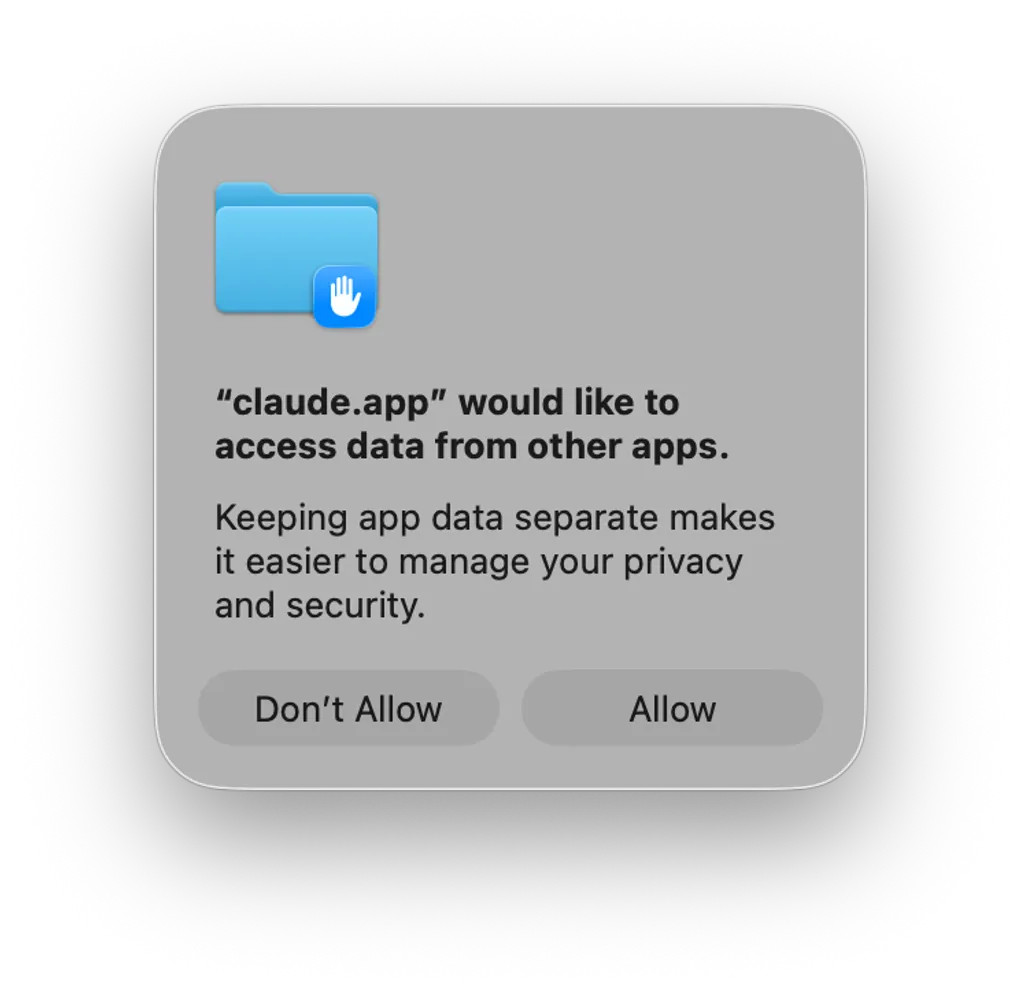
If you run Claude, Cursor, or Codex on macOS, you’ve likely met this dialog:
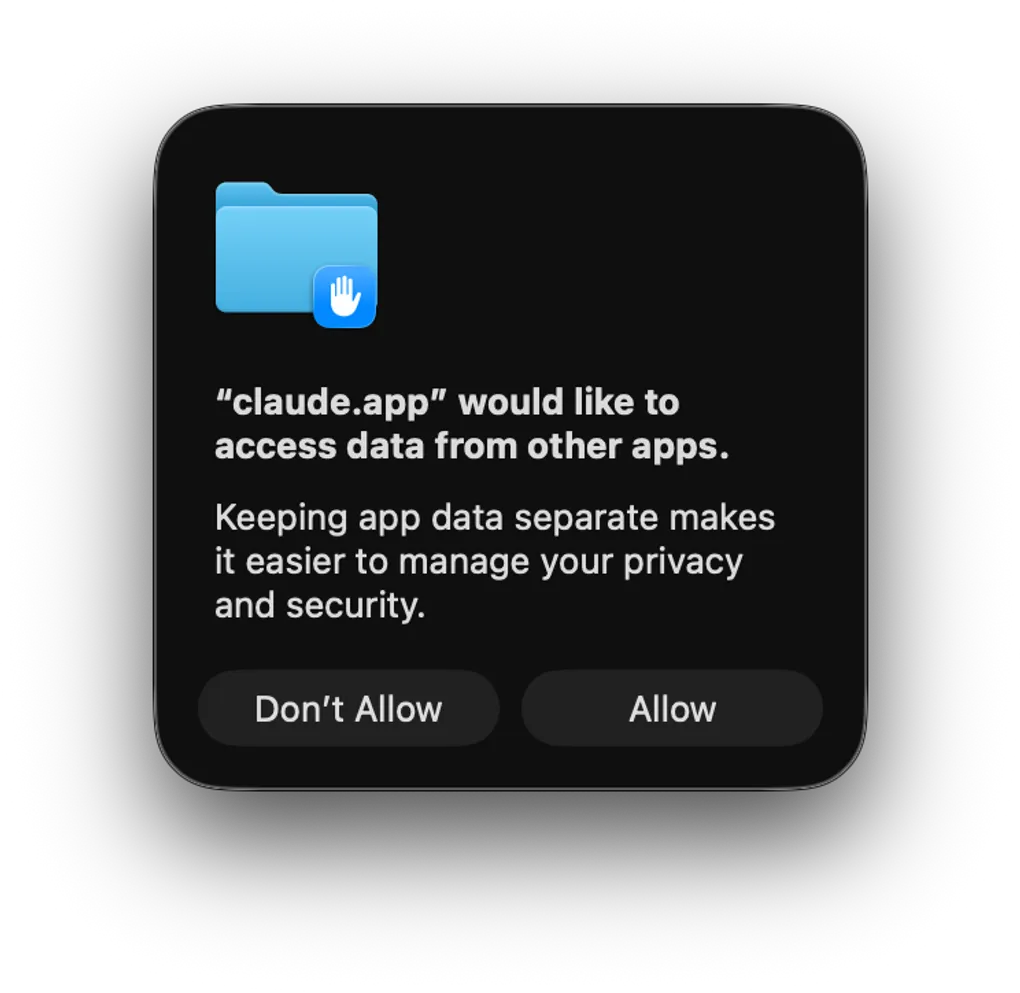
“claude.app” would like to access data from other apps.
Keeping app data separate makes it easier to manage your privacy and security.
That one’s Claude’s. Point Cursor or Codex at a file and you get the same modal with a different name in the quotes. The vendor changes. The blank check doesn’t.
Asking is right. Asking like this is not. Two buttons, Don’t Allow and Allow, neither marked as the safe default. One line of body text that explains why the default is sensible, and nothing about what I’m agreeing to if I click Allow.
An informed decision needs context: what is being accessed, where, and why. This dialog gives none of it.
Which apps? All of them? The one I have open right now? For how long? Read, or write? To do what? It answers nothing. It asks me to sign a blank check and calls “other apps” a unit of consent.
It isn’t. “Other apps” is every app on the machine. My password manager. My email. My banking session. One vague noun and one binary choice isn’t a permission model. It’s a shrug.
A quick tour of TCC
The system behind the prompt is TCC: Transparency, Consent, and Control. Apple has grown it every release since macOS 10.14 Mojave in 2018. Howard Oakley’s explainer at Eclectic Light is the clearest write-up I’ve found. Two ideas from it matter here.
First, TCC runs on consent and intent, which are different things. Consent is the prompt, the modal that interrupts you. Intent is quieter. Pick a file in an Open or Save dialog and you’ve granted access to that one file, no scary modal required. macOS already has narrow, per-item, in-the-moment grants. It just doesn’t use them for agents.
Second, the attribution chain. Per Oakley, TCC “traces up through the call chain to an app that is responsible for the privacy settings to be applied. For example, when you run commands in Terminal, the privacy settings used by TCC are those of the Terminal app.” So the agent is the attributed app, and it inherits one blanket grant for everything it might touch. “Other apps” isn’t lazy copy. It’s the actual granularity.
And when the per-resource prompts get annoying, people reach for Full Disk Access, which Oakley notes “can leave a lot of apps with unnecessary access to private data.” The blunt prompt drives people to the bluntest grant.
Permission theater
A permission prompt exists to give you enough to decide. macOS usually does this well. The camera prompt names the app and the resource. Photos lets me share the whole library or pick specific images. Location offers “Allow Once.” Camera and mic prompts carry a developer reason string.
The agent prompt drops all of it. No what (which apps, which data), no where (which windows, which files), no why (what it plans to do). The least informative dialog in the OS, attached to the most consequential grant: a process that can read and act across everything I’m signed into.
As agents get more capable, “Allow / Don’t Allow” against “other apps” ages badly.
What macOS could show instead
The OS already knows most of what it’s hiding, and the finer plumbing already exists. Automation and Apple Events permissions are per-target under the hood. Admins have scoped them for years. Rich Trouton’s DerFlounder has the canonical example: authorize osascript to send Apple Events to Finder specifically, and that prompt disappears, because the grant is scoped to a source and a target. The granularity is there. The consent UI just won’t show it. So show it:
- What: name the app, not “other apps.” “Claude wants to read the contents of Safari.” List them if there are several.
- Where: scope it. This window, this document, this tab, the way Photos picks individual images.
- Why: let the agent attach a reason string, like the camera and mic already do. “…to summarize the article you’re reading.”
- How long: “Allow Once,” “Allow While Running,” or “Always,” like Location. The grant should expire when the task does.
None of this is novel. It’s the UX Apple already ships everywhere else, applied to the one prompt that skipped it.
So what did WWDC 2026 bring?
I hoped for a TCC redesign for the agentic era. The OS 27 betas gave something more oblique.
The one direct TCC change is administrative. A new Privacy key in com.apple.configuration.app.settings now handles default app permissions in one place, and the old com.apple.TCC.configuration-profile-policy payload is deprecated (Fleet’s roundup has the details). Real cleanup, but it’s for MDM fleets, not the person staring at a modal. Nothing changes the “other apps” prompt.
The better signal is agentic Siri on the Foundation Models framework. Siri doesn’t get the raw contents of your email or calendar. Apps expose App Intents, structured actions, and the model invokes the intent instead of reading the data. Access goes through a typed, declared interface, not a blanket door.
That’s the model I’m asking for, pointed the other way. Apple’s own agent gets scoped, intent-based access. A third-party agent like Claude still gets the 2018 blank check. The capability clearly exists inside the company. It just hasn’t reached the agents people actually run.
No godsend, then. But the pieces are on the table: consent vs. intent, per-target Apple Events, App Intents as a typed layer. macOS can do scoped consent for agents. It already does, in a few places. It just won’t wire them into the prompt that needs it most.
Why it matters
An agent acting for me is exactly when informed consent matters most. The blast radius is the whole machine. If I’m handing over the keys to everything I’m signed into, the OS can at least tell me which door it’s opening, and let me say “just this one, just this once.” Scope it and time-bound it the way Photos and Location already are, and the blast radius shrinks to the task in front of me.
Until then, we’re all clicking Allow on a sentence that means nothing, and hoping the thing on the other side does only what we think it does.